
Week 10
Assalamualaikum and hello everyone, it been a while since I update my blog, Last week is a mid-term break, so I do not update anything. The break really refreshes me and now I feel like I can finish the project in no time, just kidding😂
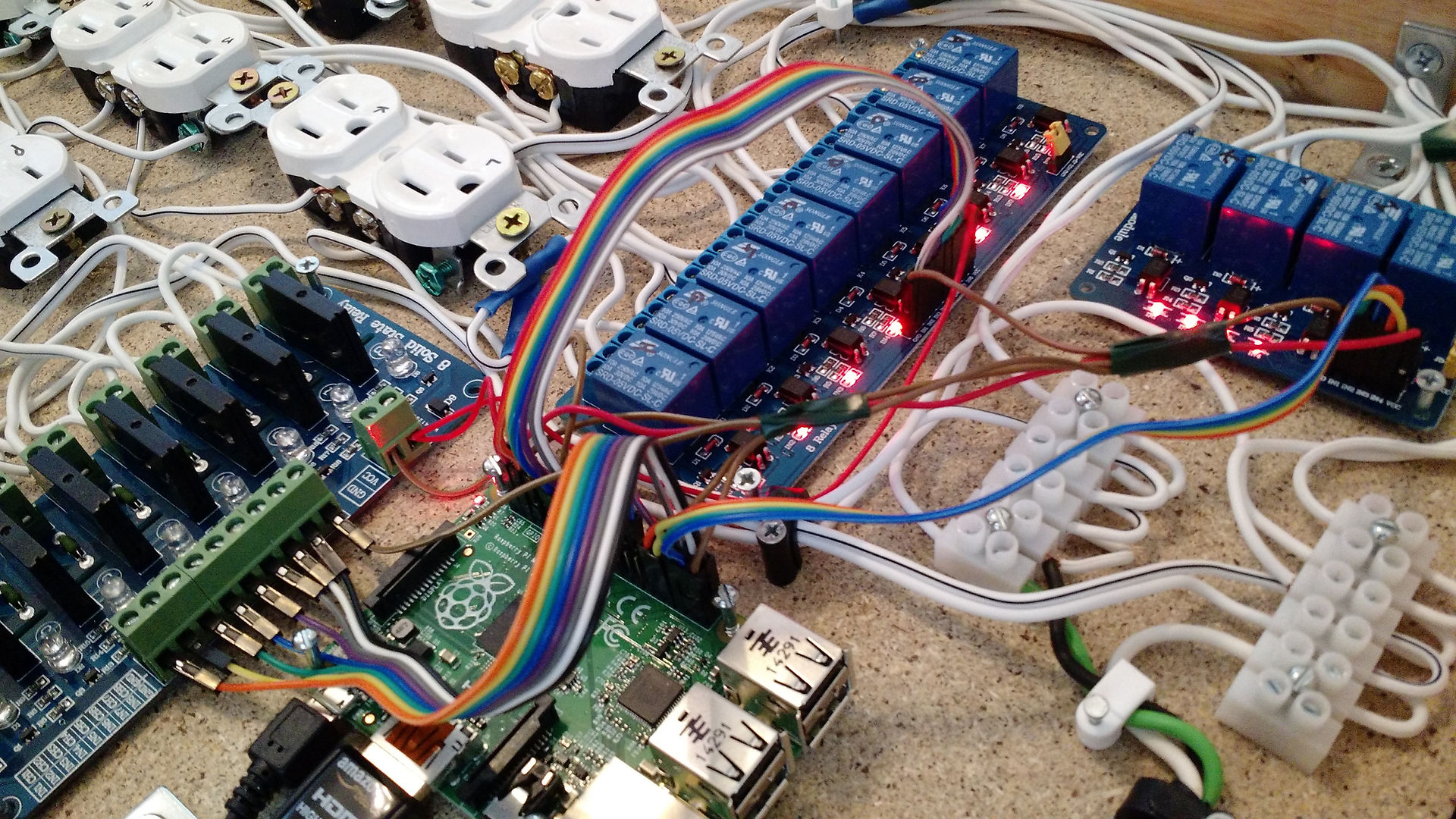
For this week, I do some wiring and finishing to the model. The wiring includes a stepper motor, motor driver, LED and volt/amp meter. I also do some data collection with Microsoft Excel. I will explain the detail right after this. Below is the updated wiring diagram, block diagram and some pictures during the process.


The updated wiring diagram of the project. If you refer to this wiring diagram with the previous week 2 (refer here: https://nu39mank.wixsite.com/fyp-nukman-kamil/w3), you will see some additional component is added such as LCD and TB6600 motor driver. The change of motor driver is already explained before.


Wiring process in the compartment as planned. It is important to manage the cable and component well so that it will be easy to be maintained and repair in the future if there is any problem with the machine.

Excel is a spreadsheet application developed and published by Microsoft. It is part of the Microsoft Office suite of productivity software.
Unlike a word processor, such as Microsoft Word, Excel organizes data in columns and rows. Rows and columns intersect at a space called a cell. Each cell can contain a single of data, such as text, a numerical value, or a formula.
Source: Wikipedia
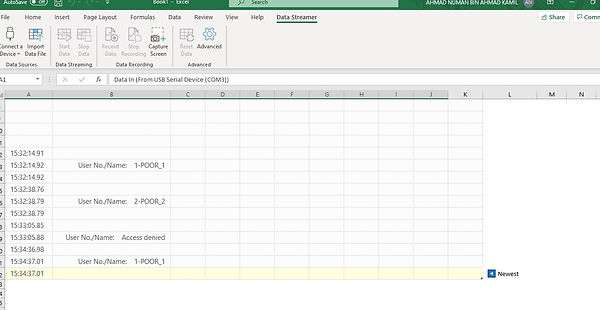
In Excel, there is one function to monitor the data from Arduino IDE which called Data Streamer. Data Streamer is a two-way data transfer for Excel that streams live data from a microcontroller into Excel and sends data from Excel back to the microcontroller. In my case, the microcontroller used is Arduino UNO
At first, I plan to use Blynk Apps as the software to monitor and control the usage of this machine, but I cannot discover more about it and decide to use Microsoft Excel as a medium to monitor the use of this food dispenser. Although using Excel is quite a downgrade compared to Blynk as it cannot control the usage of the machine, but it is still better than using the serial monitor in Arduino IDE. In Excel, I can still monitor the date and save the record in the laptop.


Alhamdulilah, the food dispensers is finally ready to be used. Currently, maybe it just a concept and prototype that cannot help much in the distribution system, but I hope it will trigger more idea for others in the future so that no people are starving anymore.
So, below is my updated video for this week. It has two part and please watch with patient since my voice is quite annoying 🤣